
Logic Inbox: SMS Organiser
Logic Inbox
Private SMS Organizer — Android
Your SMS, sorted.
Your money, under control.
Logic Inbox sorts every text as it lands, puts verification codes one tap away and turns the bank SMS you already get into a passbook — with accounts, budgets and card due dates. Messages are read and sorted on your phone and never uploaded.
Google Play screenshots of version 1.2.3. Amounts and names are sample data.
Built around everyday SMS.
A bank alert, a login code, a parcel update and a conversation with family need different kinds of attention. Logic Inbox gives them separate spaces, so useful messages are easier to find.
Reading, sorting and analysis happen on your phone, and message content is never uploaded. The app uses the internet only for diagnostics you can switch off in Settings, push messaging, and downloading detection rules and bank logos. It is free, with no ads, no account and no bank login. The Logic Inbox trust center lists exactly what is sent and why.
Make Logic Inbox your default SMS app to send and receive messages. Your existing messages stay on your phone; the app helps you organize them into a more useful inbox.
Your SMS and your money, organized.
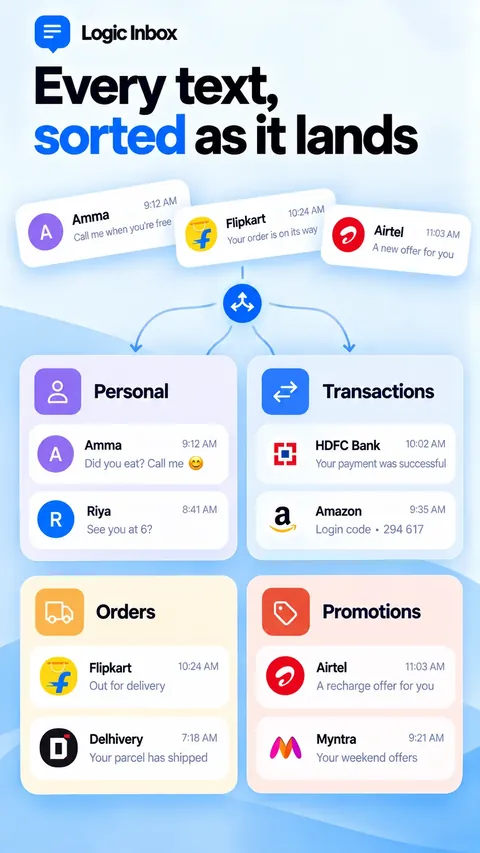
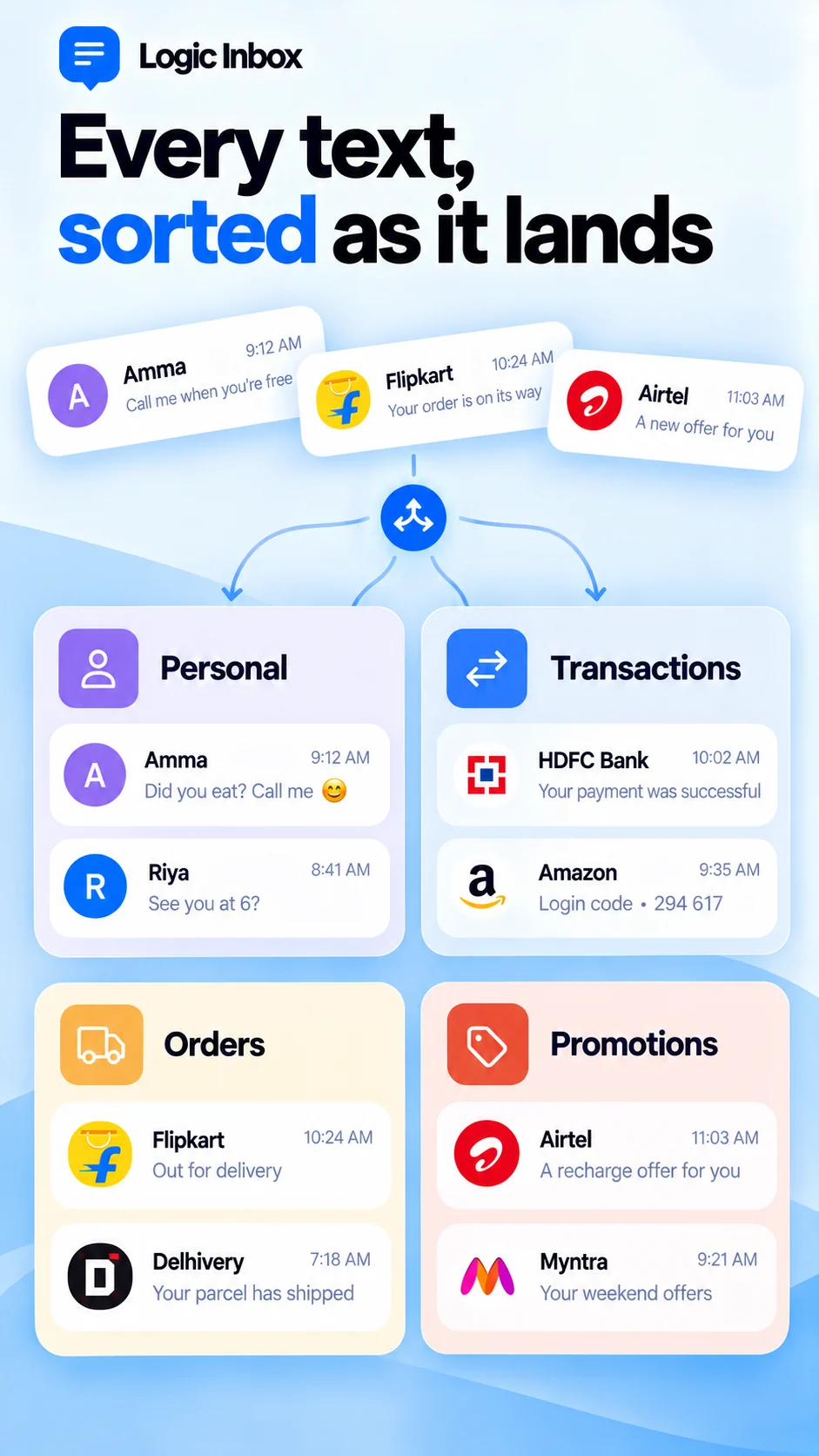
Every text, in its lane
Each SMS lands in Personal, Transactions, Orders, Promotions or Spam as it arrives. The All tab groups by sender, and you can reorder or hide tabs, filter by Today or Unread, search, and multi-select to clean up.
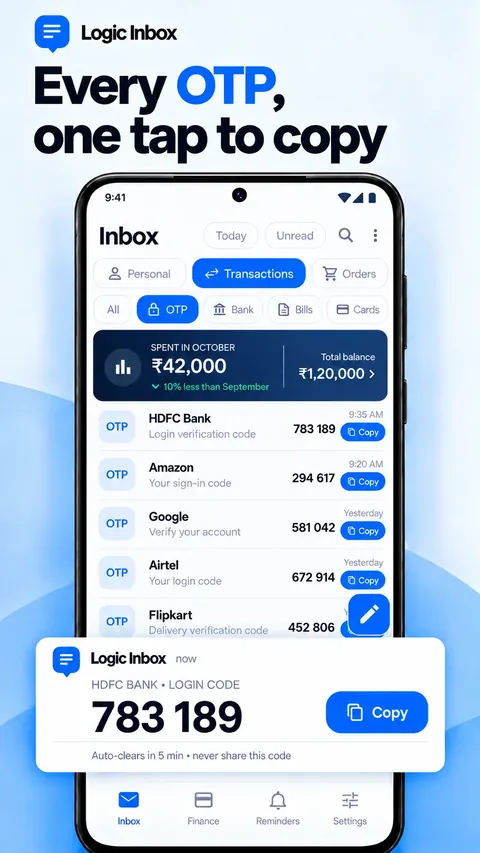
One-tap codes
Verification codes show large in the notification with a Copy button, and a Copy code button sits on the message in a conversation. Codes can hide on the lock screen, and old codes can delete themselves.
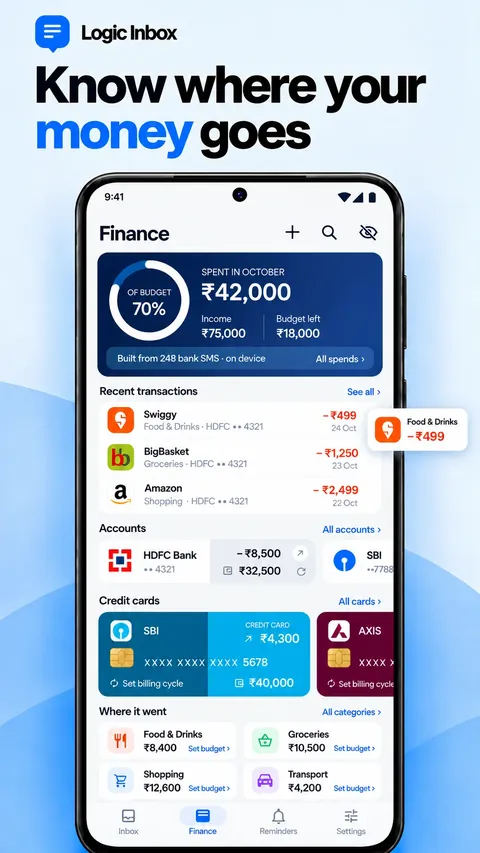
A passbook from your bank SMS
One card for every real account, credit card, wallet, toll tag and investment account such as PPF, NPS or EPF. Spending by category, monthly trends, budgets and card billing cycles — with no bank login and balances masked until you reveal them.
Every entry traced
Tap a transaction to see the SMS it came from. Mark duplicates, link a refund to the spend it cancels, add cash entries by hand and categorise new spends straight from the notification.
Notifications that do more
Payments, deliveries from packed to refunded, bill due dates, plan expiry, low balance, travel and missed calls — each with the useful part up front and actions like Copy, Track, Mark read and Delete.
Reminders, dual SIM and more
Bills and bookings in your texts become reminders. Compose, reply inline, use quick replies or schedule a text. Every message carries a SIM tag, and replies go out on the SIM the message came in on.
Sorted on your phone. Improved from our side.
On-device classifier
A rules engine reads sender IDs and message patterns for banks, UPI, cards, couriers, travel and bills. Every message is classified on the phone; detection is tuned best for banks and services in India today.
Detection updates without a release
The rule pack and bank logos update from our server, so new bank formats and fixes reach every installed version between app releases. Private wrong-detection reports, with sensitive words hidden first, show us what to fix.
Honest about the internet
Message text, senders, codes, amounts and account numbers stay on the phone. Diagnostics are tied to installation IDs, not an account, and one Settings switch turns them off. No ads, and no data sold.
The real screens.
Google Play screenshots of version 1.2.3. Amounts and names are sample data. Select a screen to enlarge.
 Enlarge Sorted inbox
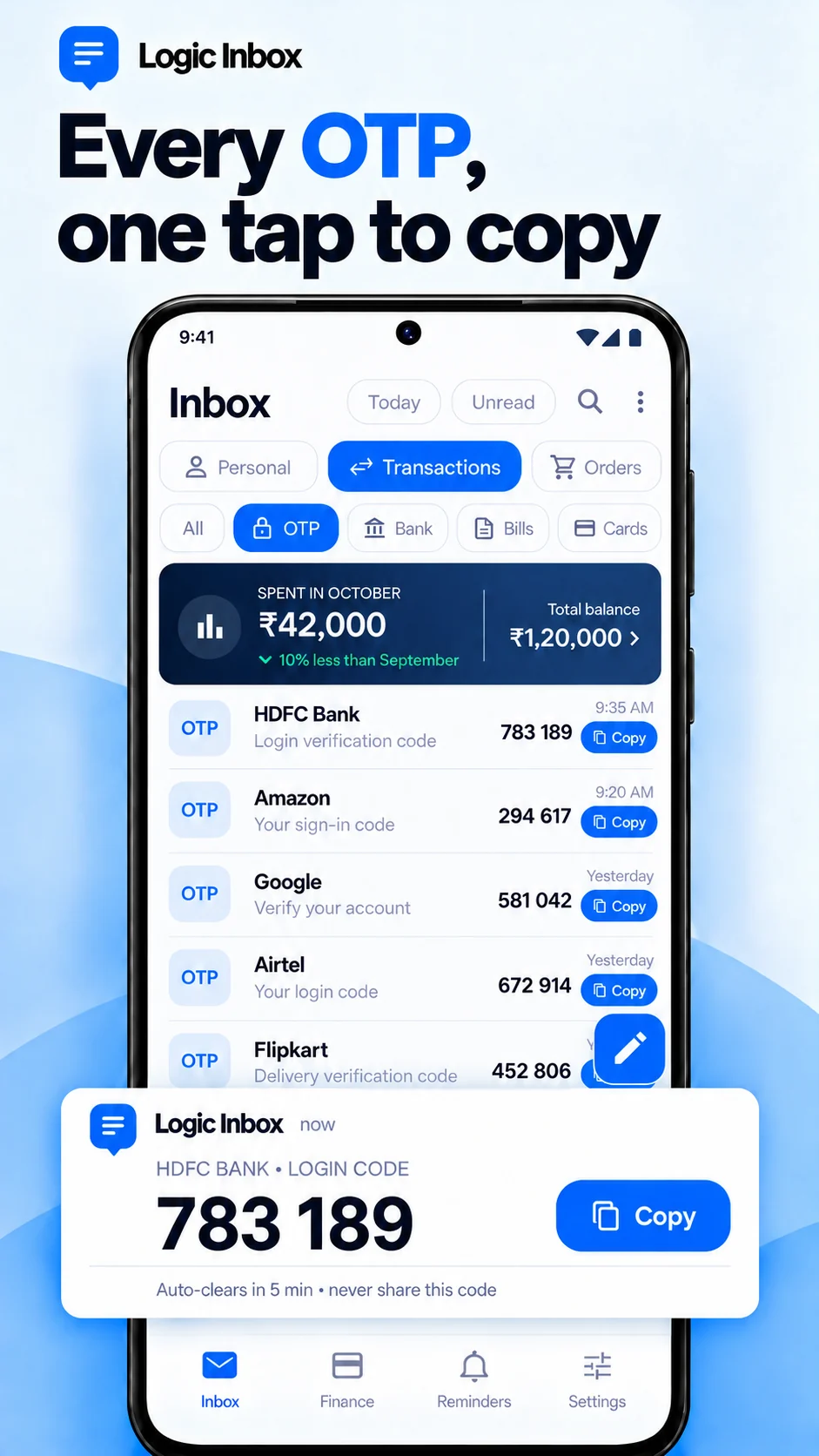 Enlarge One-tap codes
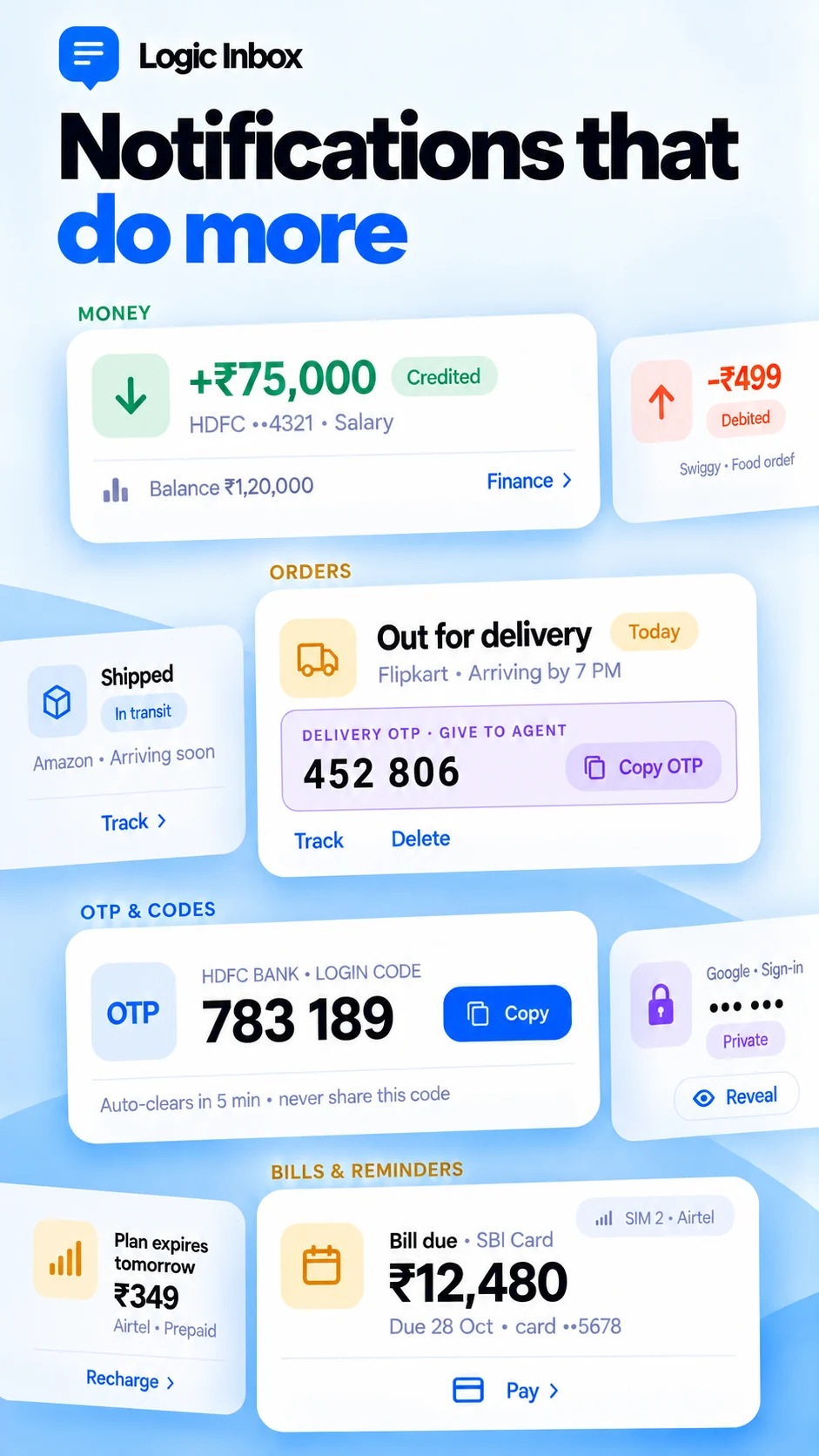 Enlarge Rich notifications
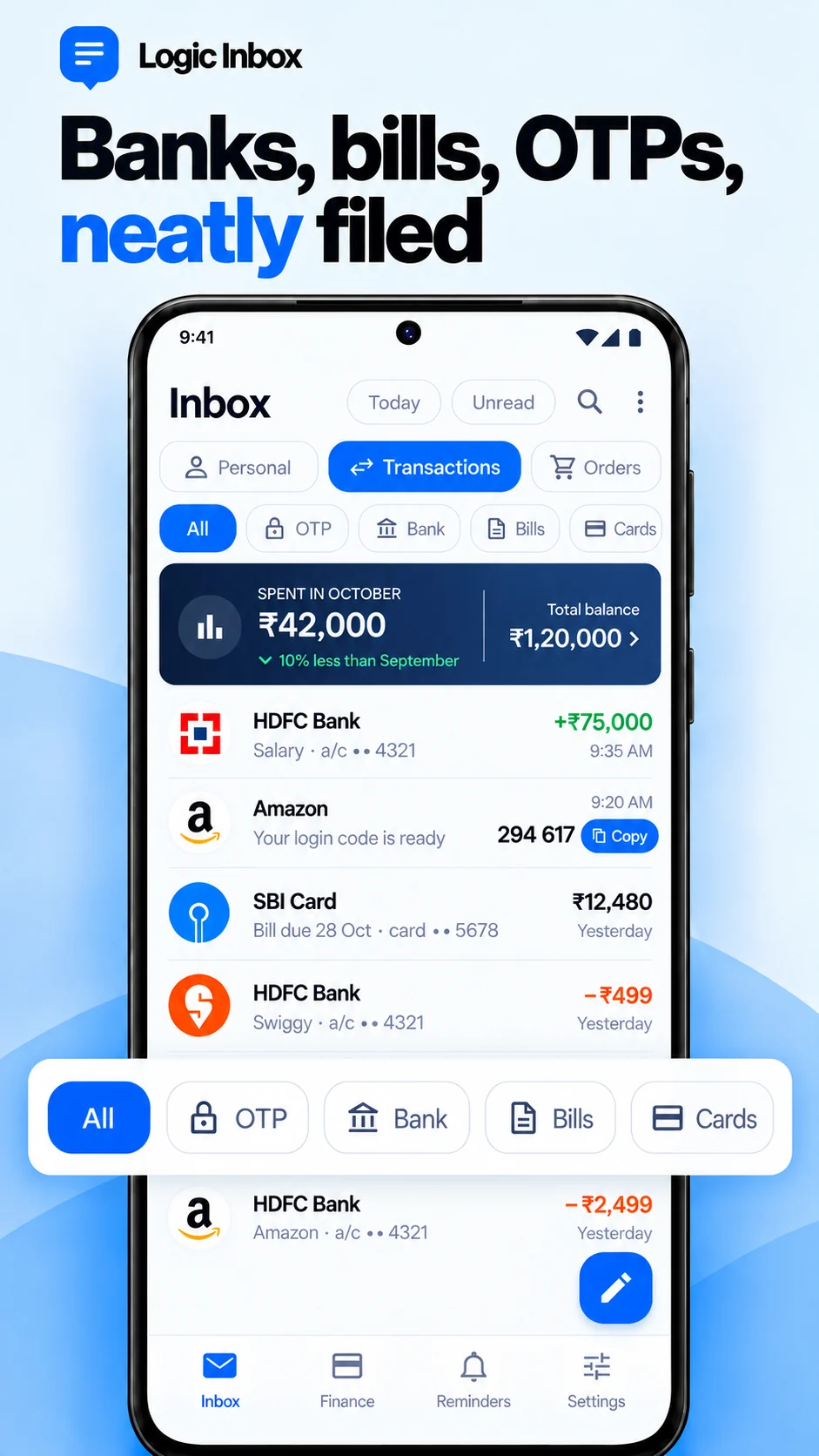 Enlarge Everything filed
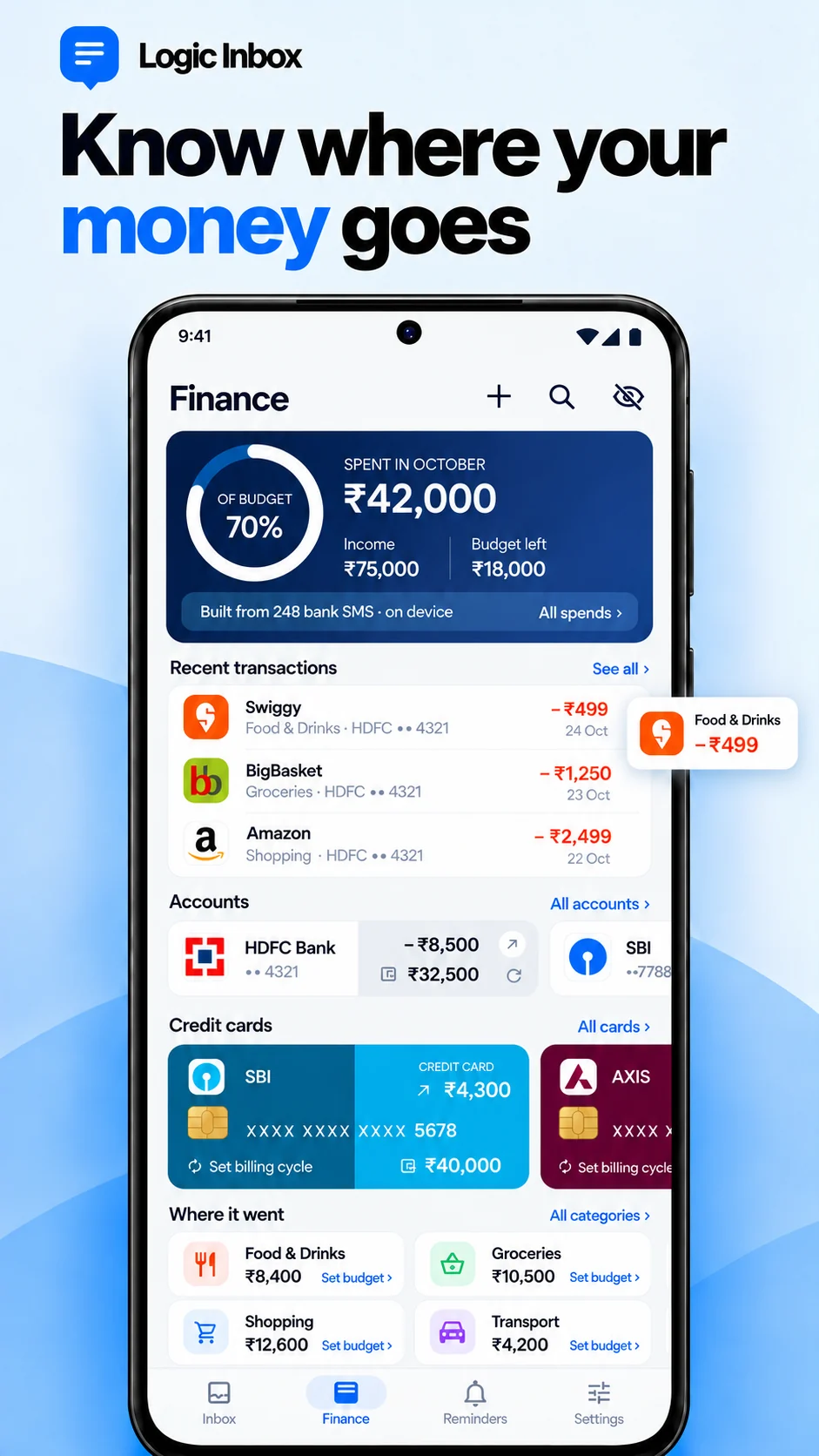 Enlarge Money, from your SMS
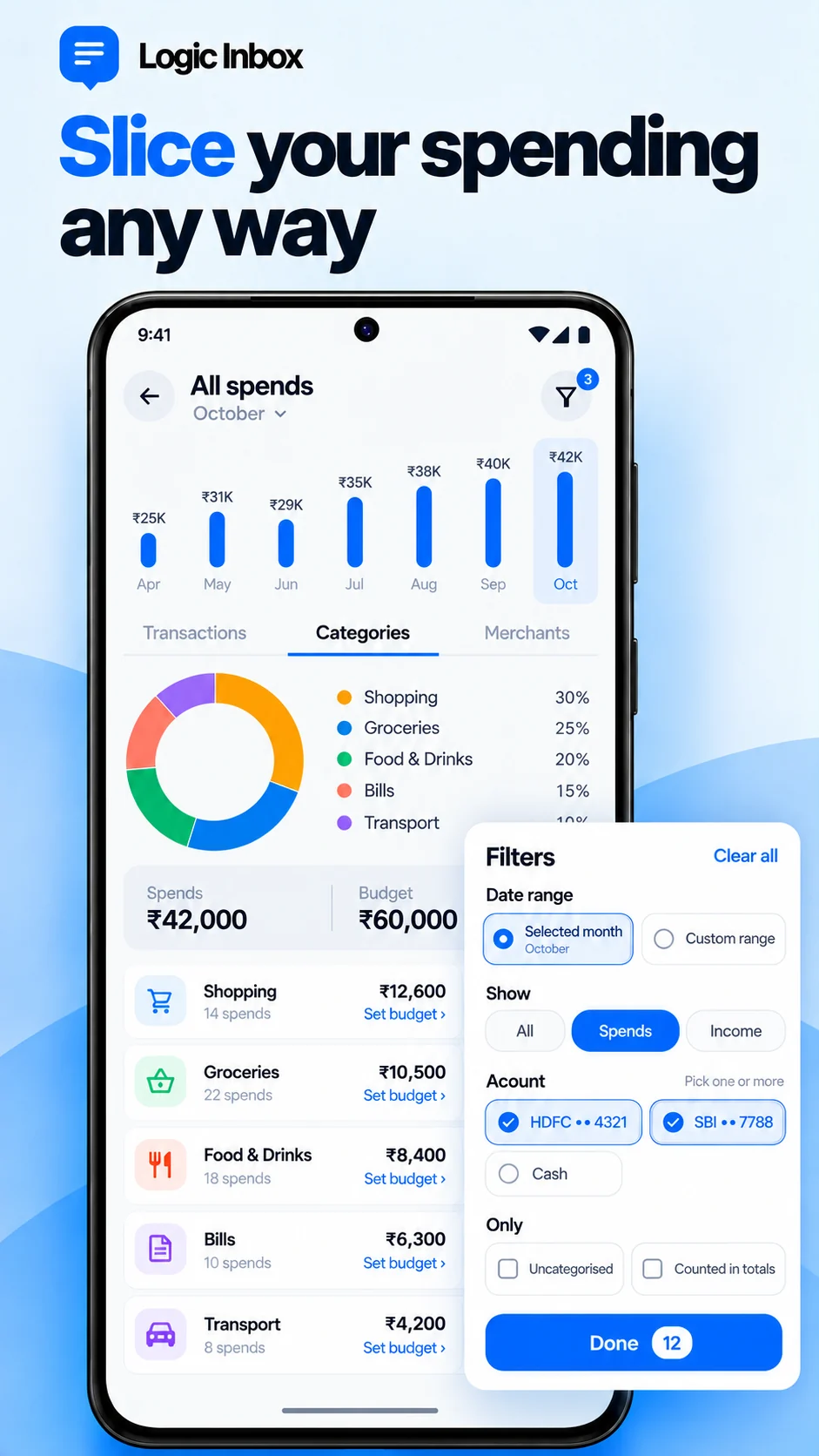 Enlarge All spends
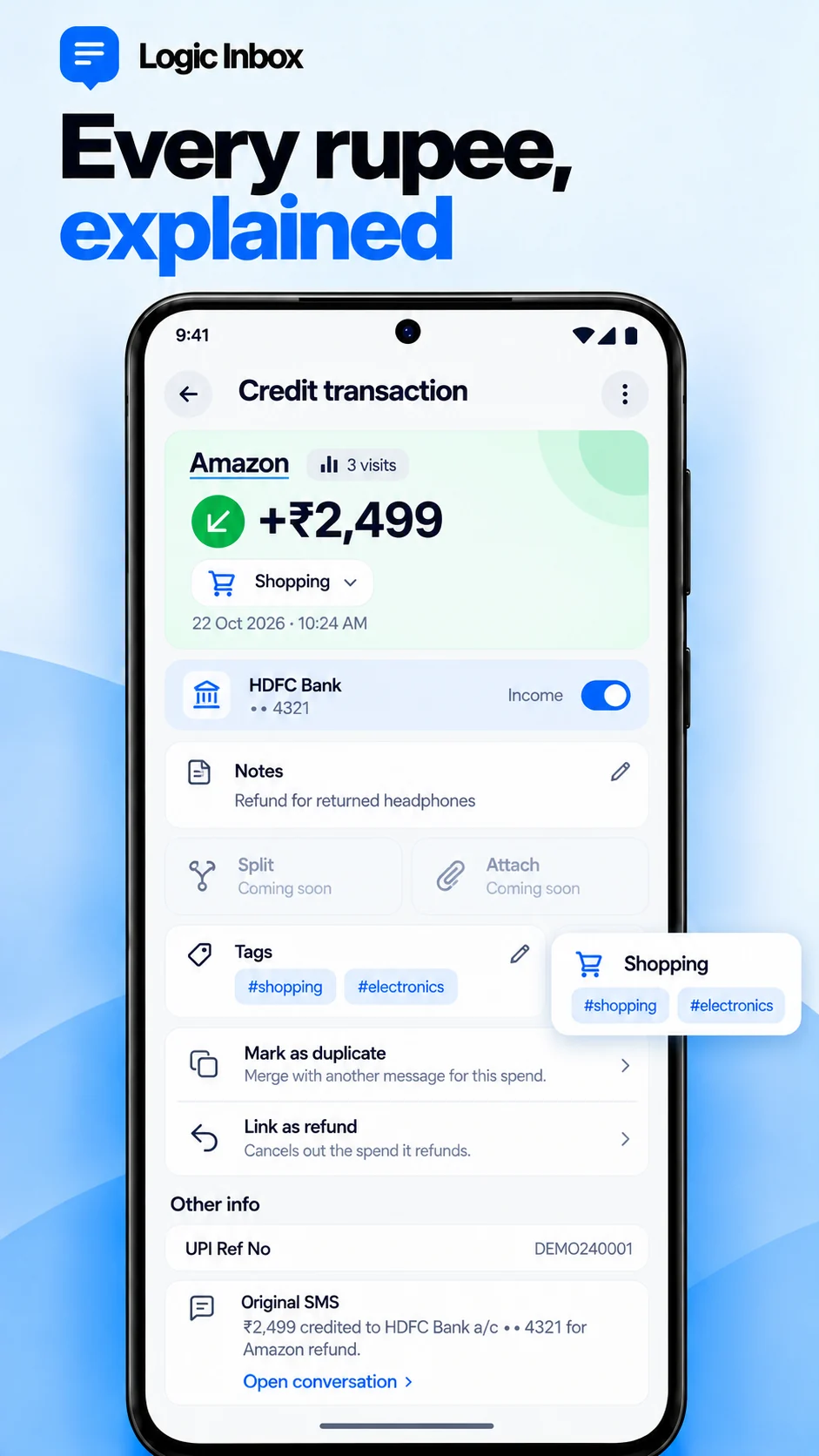 Enlarge Every entry traced
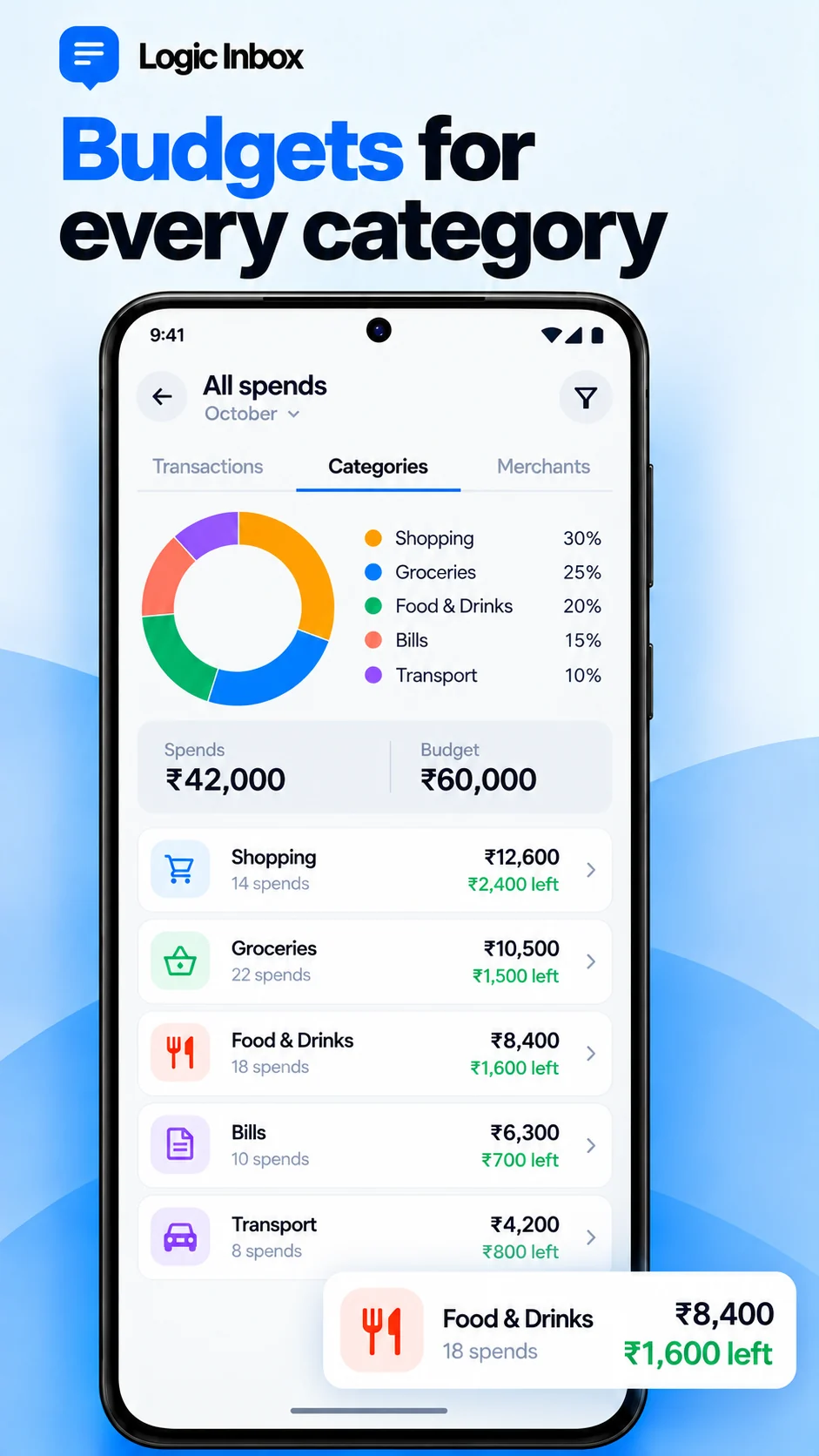 Enlarge Budgets
A clearer inbox in three steps.
- Install from Google Play. Logic Inbox is available for Android.
- Set it as your default SMS app. Android only lets the default SMS app receive, send and sort texts. Notifications are recommended; contact names are optional.
- Make the inbox yours. Reorder or hide tabs, review your accounts in Finance, set budgets and choose your notification preferences.
What’s new in 1.2.5
19 Nov 2026A steadier Finance screen, fewer false OTPs, Star on every tab, and notifications that clear once you’ve read the message. Version 1.2.4 added Light, Dark and Black (AMOLED) themes with adjustable text size, search inside a conversation, replies straight from the notification, and bank logos. Version 1.2 also brought budgets, card billing cycles, cash and wallet accounts, investment accounts and dual-SIM support.
All release notes ↗Before you switch
Does it need to be my default SMS app?
Yes. Android requires the default SMS role for the app to handle incoming messages and provide its messaging features. You can change your default SMS app in Android settings.
Do my messages leave my phone?
No. Messages are read, sorted and analysed on your phone and never uploaded. The app connects to the internet for diagnostics (which you can switch off in Settings), push messaging and downloading detection rules and bank logos. Wrong-detection reports are sent only when you choose, with private words hidden first.
Does the passbook connect to my bank?
No. There is no bank login and no account linking. It reads the bank SMS already on your phone, and every entry links back to its original message. Missing messages or unfamiliar formats can leave gaps, so check your bank for the authoritative balance and statement. Getting the most from the passbook.
Does Logic Inbox support RCS or full MMS?
Logic Inbox focuses on SMS and does not provide RCS. Picture messages are received and stored, but there is no media viewer yet. Consider this before switching from an app you use for those features.
Where can I get help or report a sorting issue?
Use “Report a wrong detection” on the message: names, numbers, amounts and codes are hidden for you, and you can tap any word to hide or show it before sending. Fixes reach everyone through detection updates. You can also email feedback@logicinbox.app.
Give your inbox its order back.
Install Logic Inbox and follow the prompts to make it your default SMS app. Explore the full feature guide and support resources on logicinbox.app.